

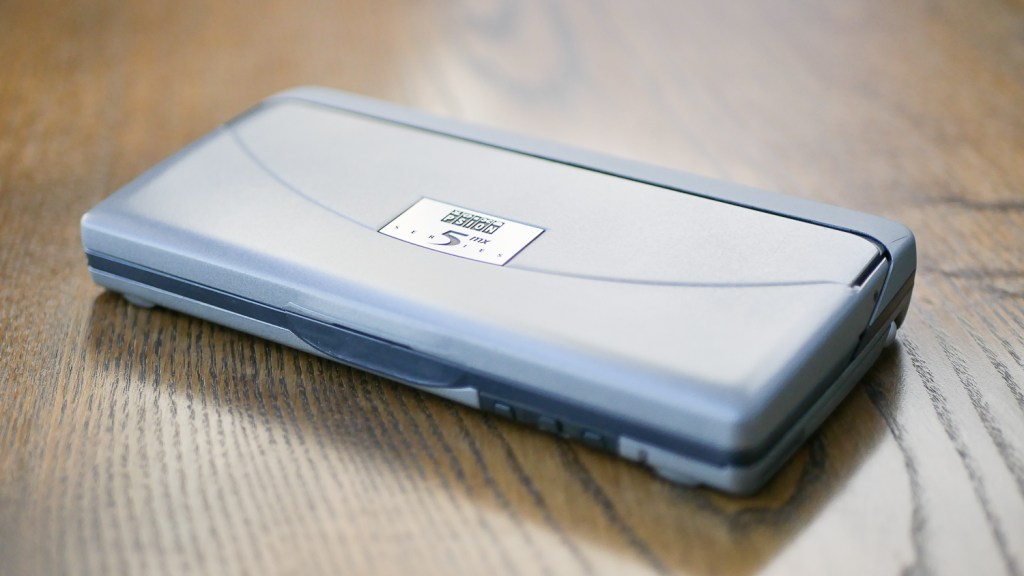
In my first adventure with retro writing devices, I mentioned that I would really like to test the famous Psion 5mx PDA as a candidate for a good portable writing device. I say “famous” because many articles about distraction-free and mobile writing mention this PDA released in 1999 with almost starry-eyed nostalgia. May it be reporting from a war zone or writing a lengthy SF novel, the 5mx is always mentioned as having the best form factor, battery life, and a dream-like mobile keyboard.
As I read more and more about it, I started to imagine it as the ideal answer to all my writing needs. In the end, I decided to go for it and ordered one from England (as they are a bit rare in Japan).
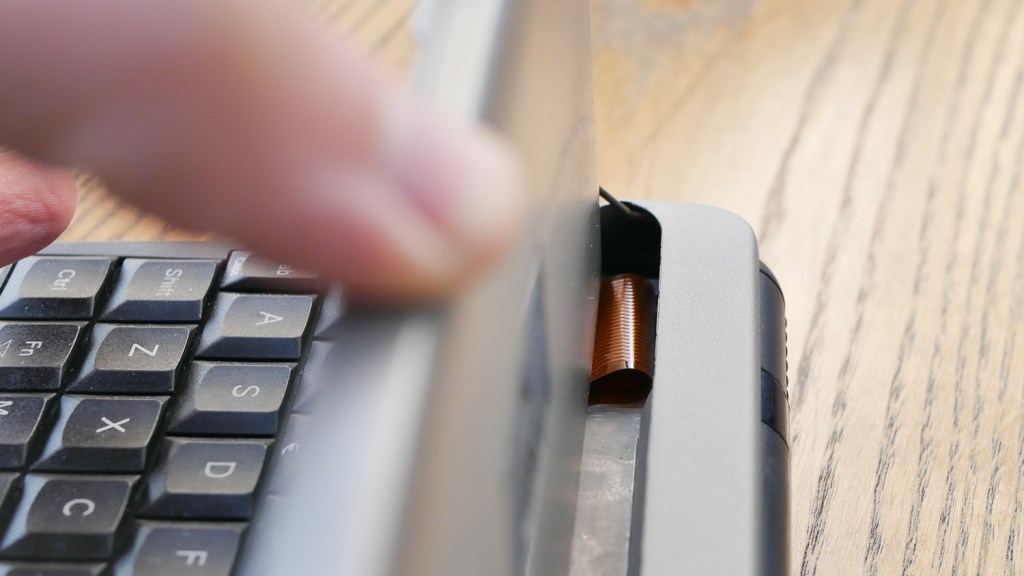
My unit came “serviced” by a company that specializes in Psion products. This is one thing that I knew I had to get done – the 5mx series units, in particular, are known to have a weak screen cable that likes to break from the repeated opening and closing of the clamshell case. I got one where the fragile ribbon cable was already replaced with a new generation third-party one. I also had a guarantee that even though this is still a 22-year-old PDA, it should work well.
When the PDA arrived, I was astonished at how compact the thing was: only about 17cm wide and 2.5cm thick. It sports a 640 x 240px touch-sensitive screen, 16MB of internal memory, and a fast 36MHz, 32-bit processor. On the right side, it has something that makes it useful even today – a CF card slot allowing for easy transfer of data to and from any modern computer without bothering with any cables or old proprietary software. The device also has serial and IrDA (infrared) ports on the back and a microphone and speaker set for voice recording.

Great! I inserted two AA batteries (another plus – I don’t have to worry about old re-chargeable batteries not holding their juice) and started up the system. I was immediately surprised by how fast and snappy this PDA is. Compared to it, the Cassiopeia I reviewed before feels like a primitive toy. Even by today’s standards, the applications respond fast, and the screen does not ghost so bad. I installed some additional software for writing that I had ready and started testing.

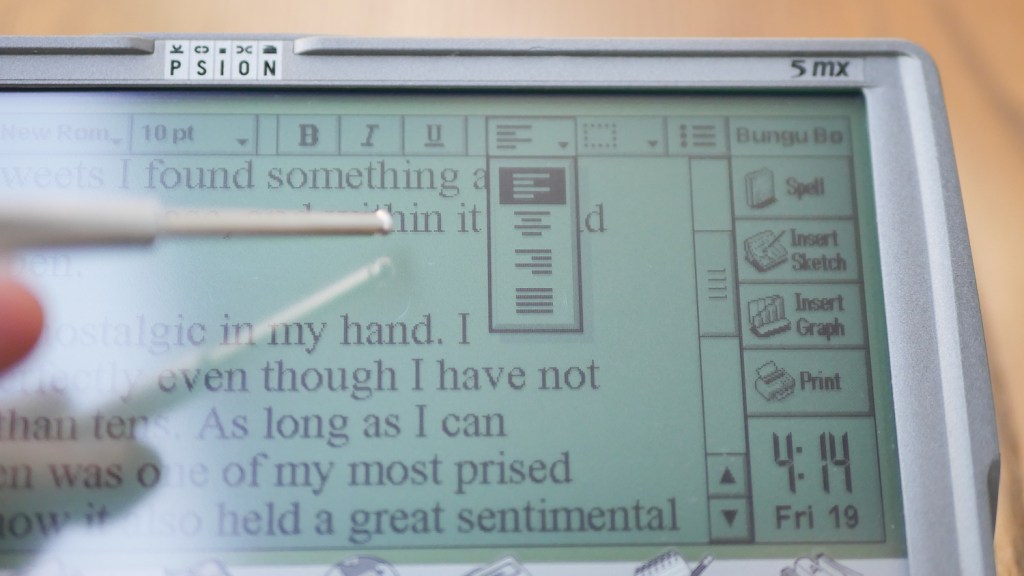
The standard “Word” text editor that comes preinstalled on the Psion 5mx works very well. The scroll is fast and smooth, the fonts render very readable and sharp, and the zoom-in-out feature performed by dedicated touch buttons helps a lot. The app has all the standard features you could expect, like copying, pasting text, but also word count, paragraph styles, search and replace, or even displaying an outline of the document. The interface can be hidden away, so we get the whole screen for text. Standard keyboard shortcuts, like Ctrl+B for bold, can be used too, and some key combos allow for writing special characters that sometimes come in useful (if you need that em-dash, for example). Overall, this is the best mobile text editor I have had the pleasure to work with so far. The only downside is that it uses only TXT or its own EPOC Word file format. You need this second format to get all the rich text formatting onto your computer.


Luckily, I installed on my Psion the (now free) nConvert app that can convert the native Psion files to and from regular files like RTF or HTML. This makes exchanging files with my computer or even the iPad, not a problem at all.
I was also able to install a small app called C Beam that allowed me to exchange files through the IrDA infrared port with my other PDAs (originally, the Psion uses its own communication protocol). I even found two dictionary applications (K2 and SDict) and English dictionary databases for them, so instead of carrying my electronic dictionaries along with the Psion, I can have them on the PDA. They even work surprisingly fast!
Overall, the Psion 5mx environment feels more like a proper, deep computer OS than a simplified PDA system where you have to look for ways to overcome limitations.
So, will I be using the 5mx for my writing on-the-go? Sadly, I don’t think I will. There are three main reasons:
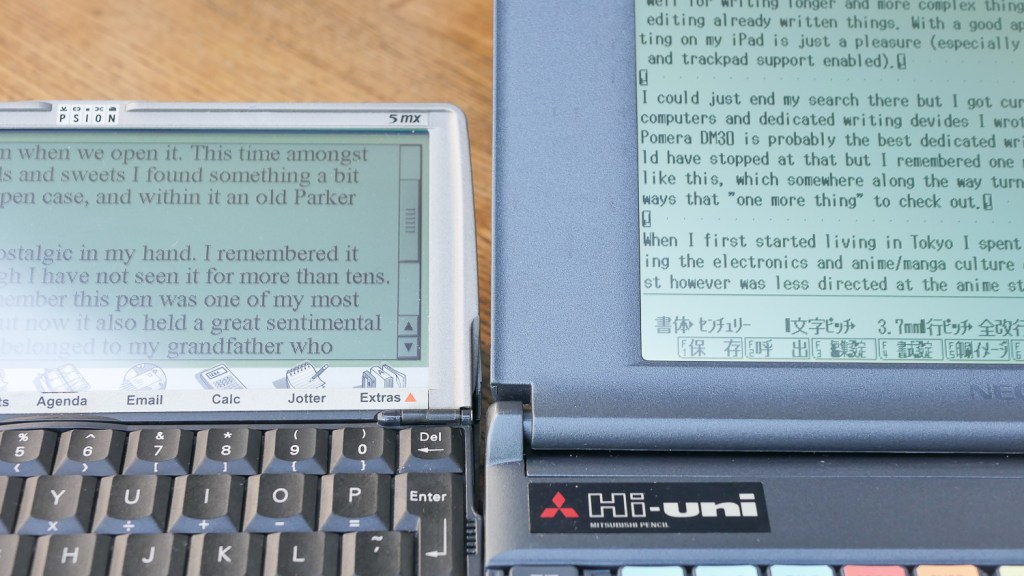
The screen is dark with not enough contrast. If I compare it to other devices from a similar era (like the ARDATA text processor), you can see the difference. I don’t know if this is the result of the screen being just old and tired or some components inside the unit failing, but I think this might be just how some of the touch-enabled screens of that time looked (the Cassiopeia screen is similarly dark).
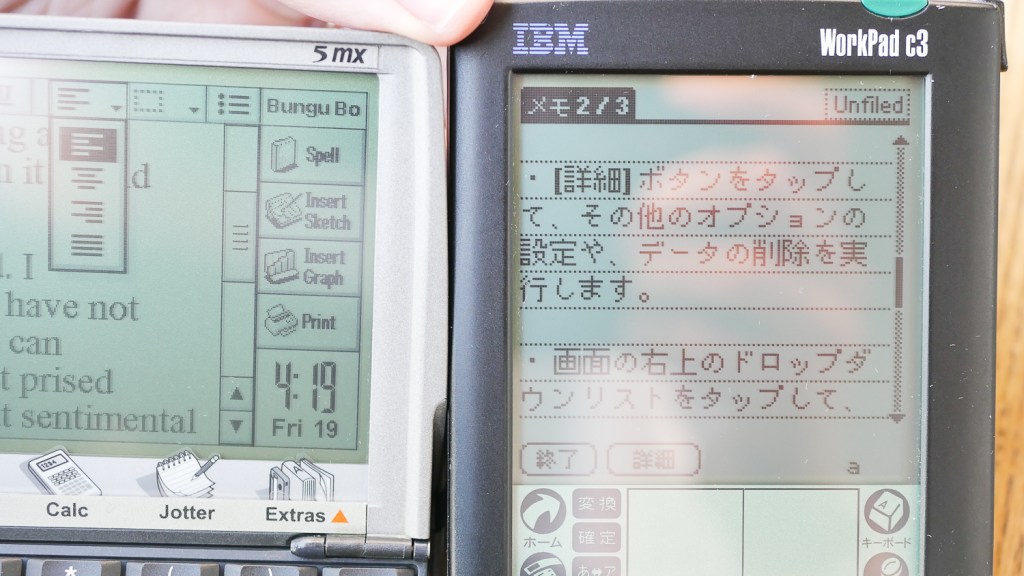
What’s more, the device itself feels a bit, well, fragile. The opening clamshell design that gives this PDA its unique character is also very prone to breaking. Maybe the 5mx felt better when it was new, but now I was a bit afraid of breaking it every time I tried to open and use it. It certainly was not a device that I would drop into my bag to take with me for a walk without overthinking it.
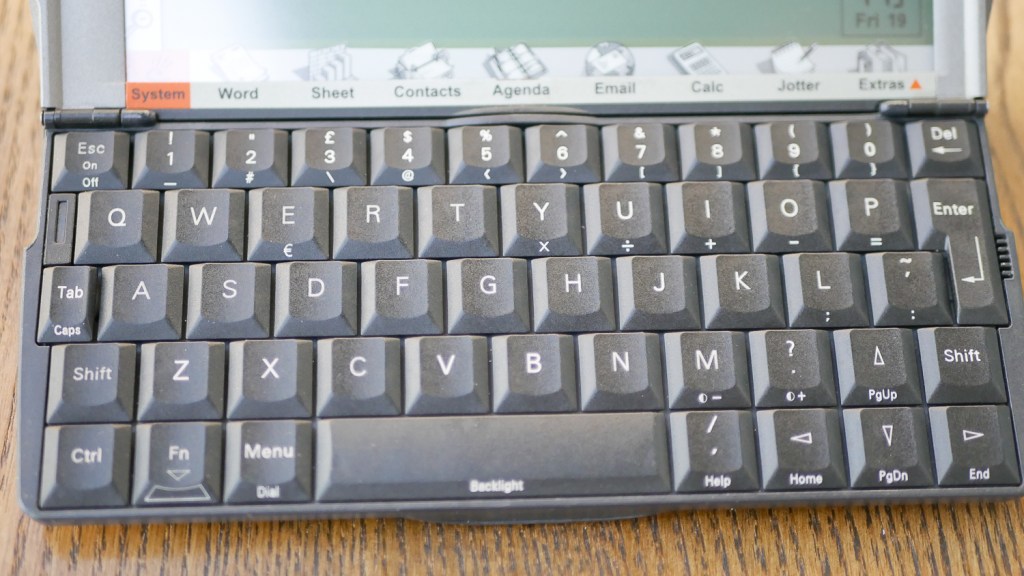
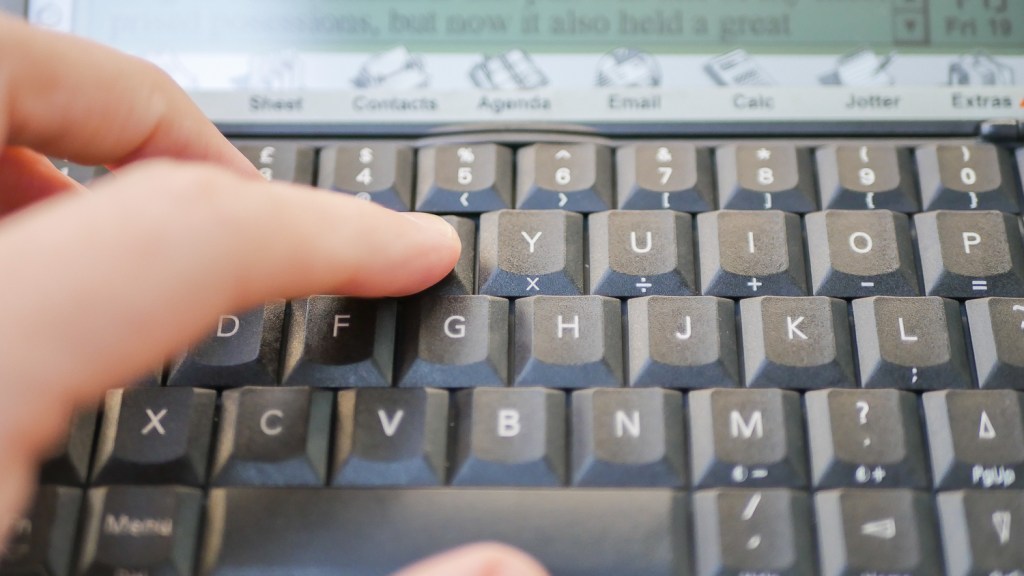
But the last straw was the keyboard – the prize-winning point of the device. Yes, it’s nicely laid out, and the keys are of decent size (though small, of course, compared to a laptop keyboard). I could imagine even touch-typing on it if it was not the stiffness of the keys. One really has to push hard and purposefully on each key to make it type. It makes typing slow and prone to errors by missing letters when pressing too lightly. I had high hopes for this keyboard, but when I tried to write a magazine article using it, I only got as far as maybe 150 words before getting frustrated.

Each of these three problems on its own would not be a deal-breaker, but together they make the 5mx far from ideal for my intended use.
To summarise.
Upsides:
- Compact size
- Powered by easy to get AA batteries
- Fast and powerful operating system
- Great featured “Word” text editor
- Easy data transfer with CF cards
Downsides:
- Delicate, prone to breaking hinges and screen ribbon cable.
- Dark, low contrast screen
- In my opinion, not so great keyboard
As these PDAs were mostly marketed for business use, there are not so many games or other things you can use a 5mx for. It was great to check one out finally, but I will probably pass it on through the used retro-tech market.


 Mateusz Urbanowicz
Leave a reply to Béla Lugosi Cancel reply