
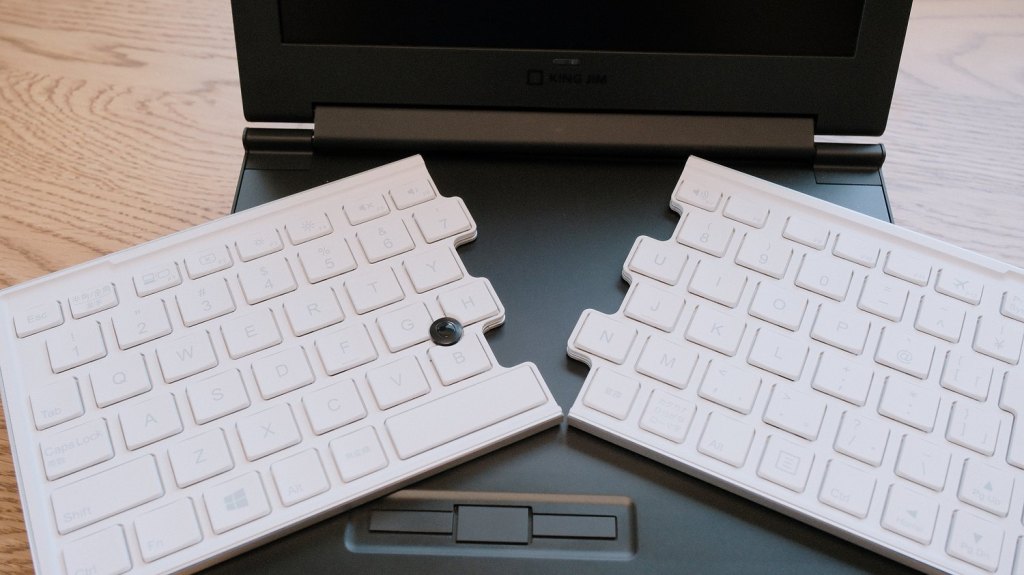
Over the years, there have been a few portable devices that tried, in a creative way, to overcome the keyboard size limitation. A comfortable keyboard layout just has to be a certain size – anything smaller makes the whole idea of a portable writing device impractical. Here, the iconic IBM ThinkPad with the “butterfly keyboard,” which slid into place, comes to mind, but the Japanese company King Jim (makers of the POMERA dedicated writing devices) also had quite a few attempts at various foldable designs. Their maybe most “thinking outside the box” idea was realised in the PORTABOOK netbook and its Slide Arch keyboard.
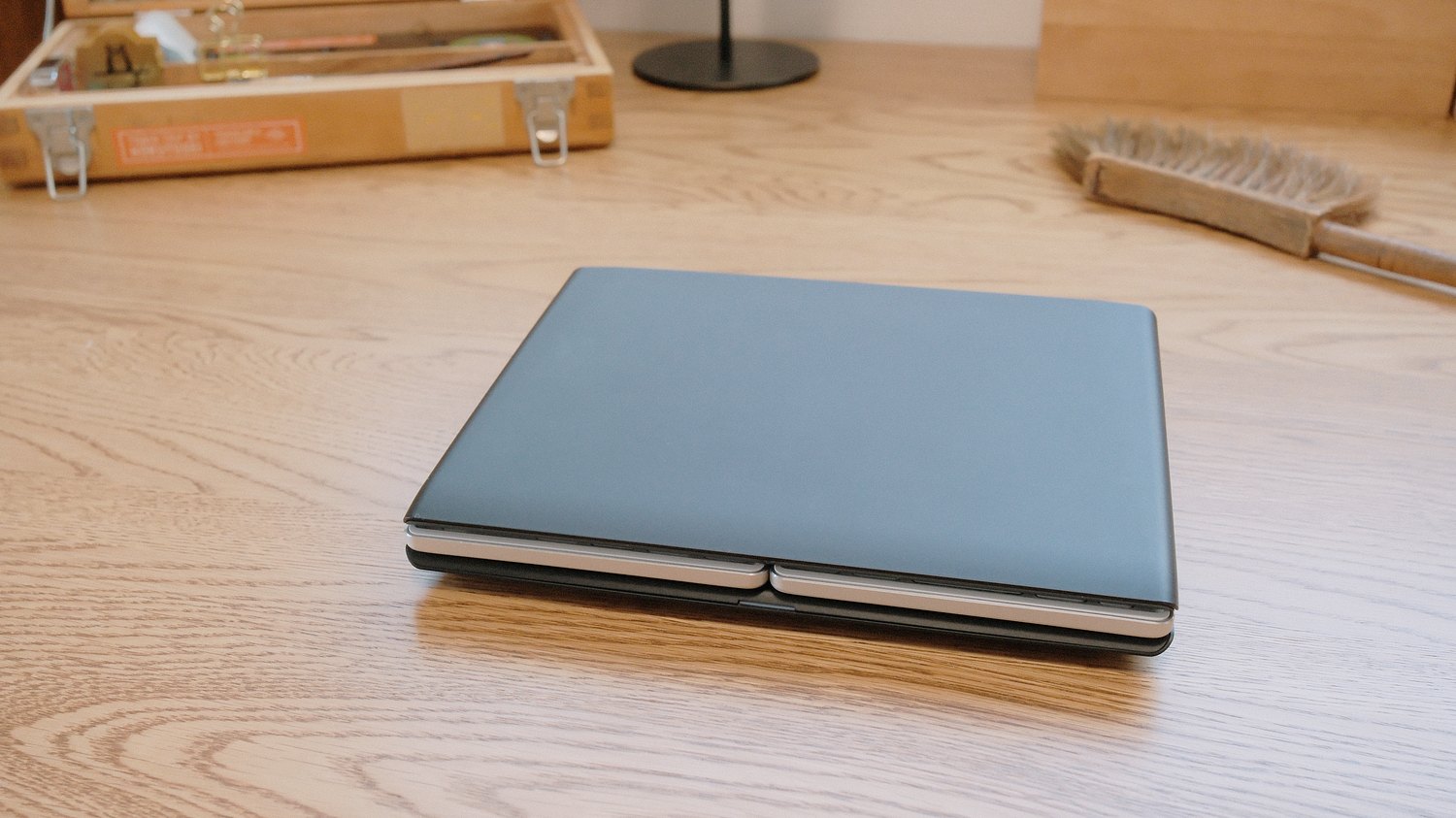
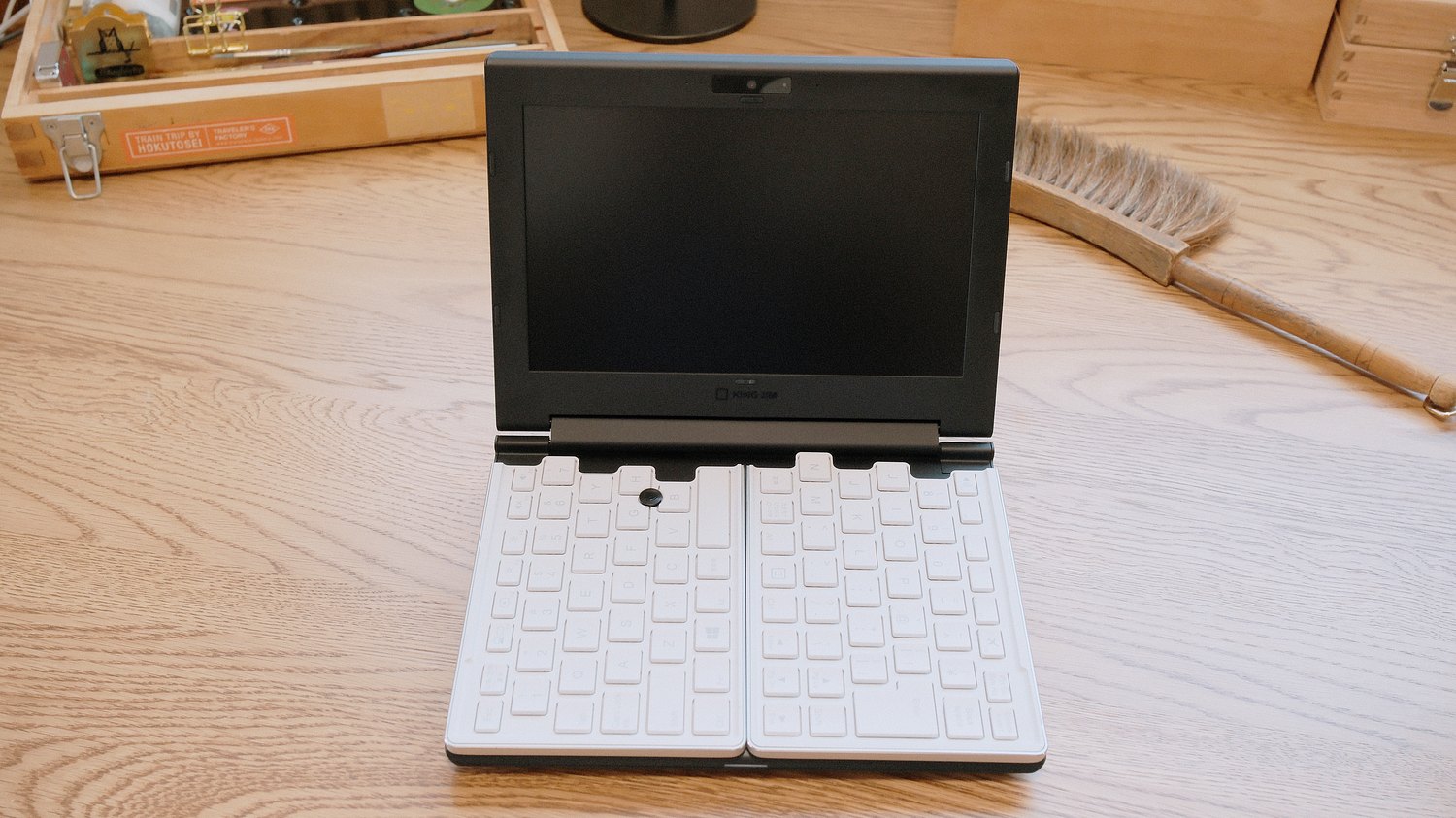
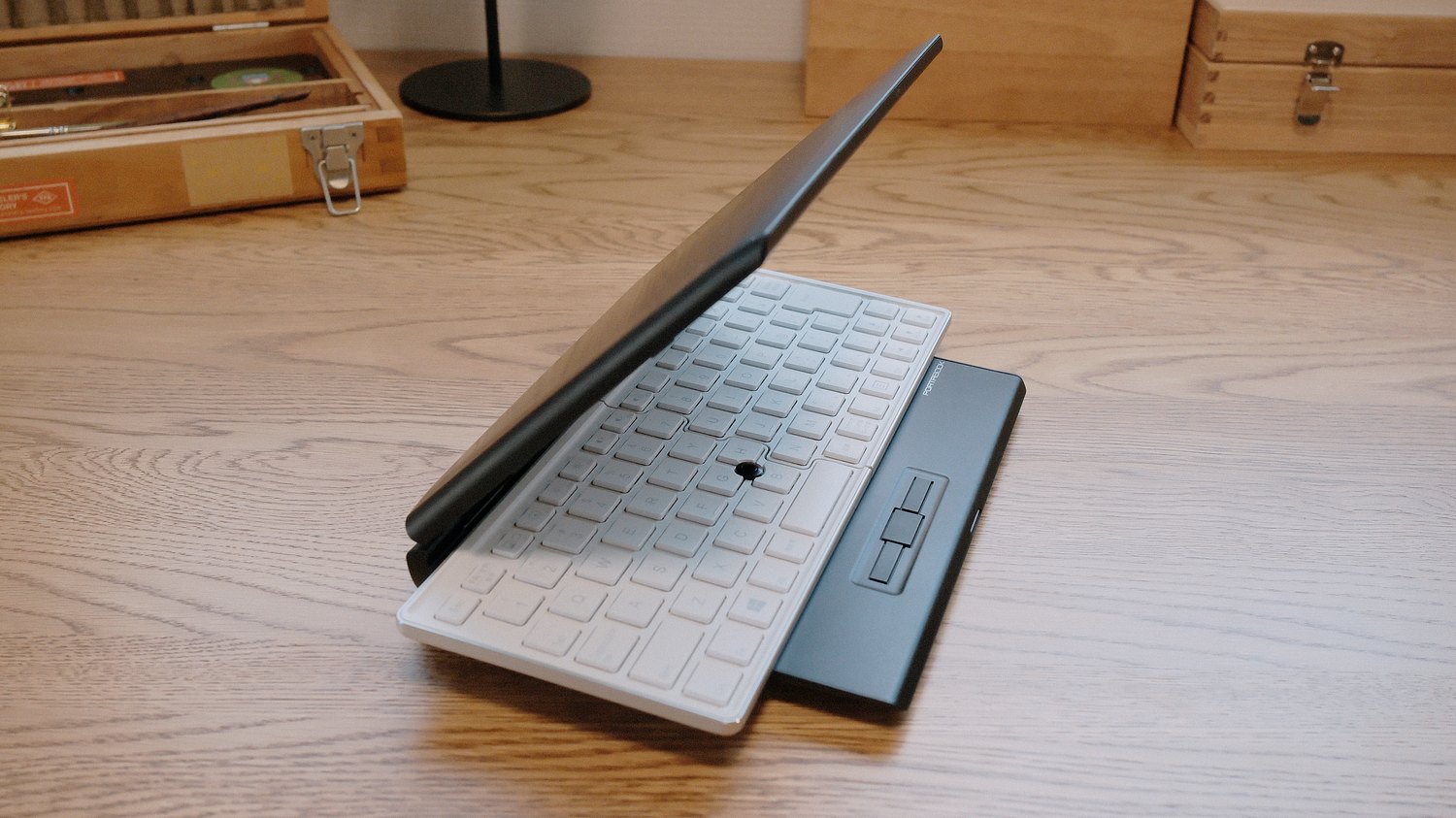
This small personal computer, advertised to Japanese businessmen always rushing to the next meeting or presentation, was somewhat awkwardly launched in 2016, just when netbooks were already in decline. For context, the 11.6-inch MacBook Air and the iPad were both introduced in 2010, so in hindsight, it’s obvious why this Intel Atom-powered mini-laptop appeared on the market only to be soon discontinued without gaining much traction or a successor. King Jim still continues to make the POMERA series devices, but the PORTABOOK became the forgotten one-off. Of course, I had to try it!
Hardware
The PORTABOOK weighs a bit over 800 grams and, folded down, is small enough to fit into my small shoulder bag instead of a bigger notebook, and I would feel no difference. In this, the netbook is what was promised – a very portable computing platform.
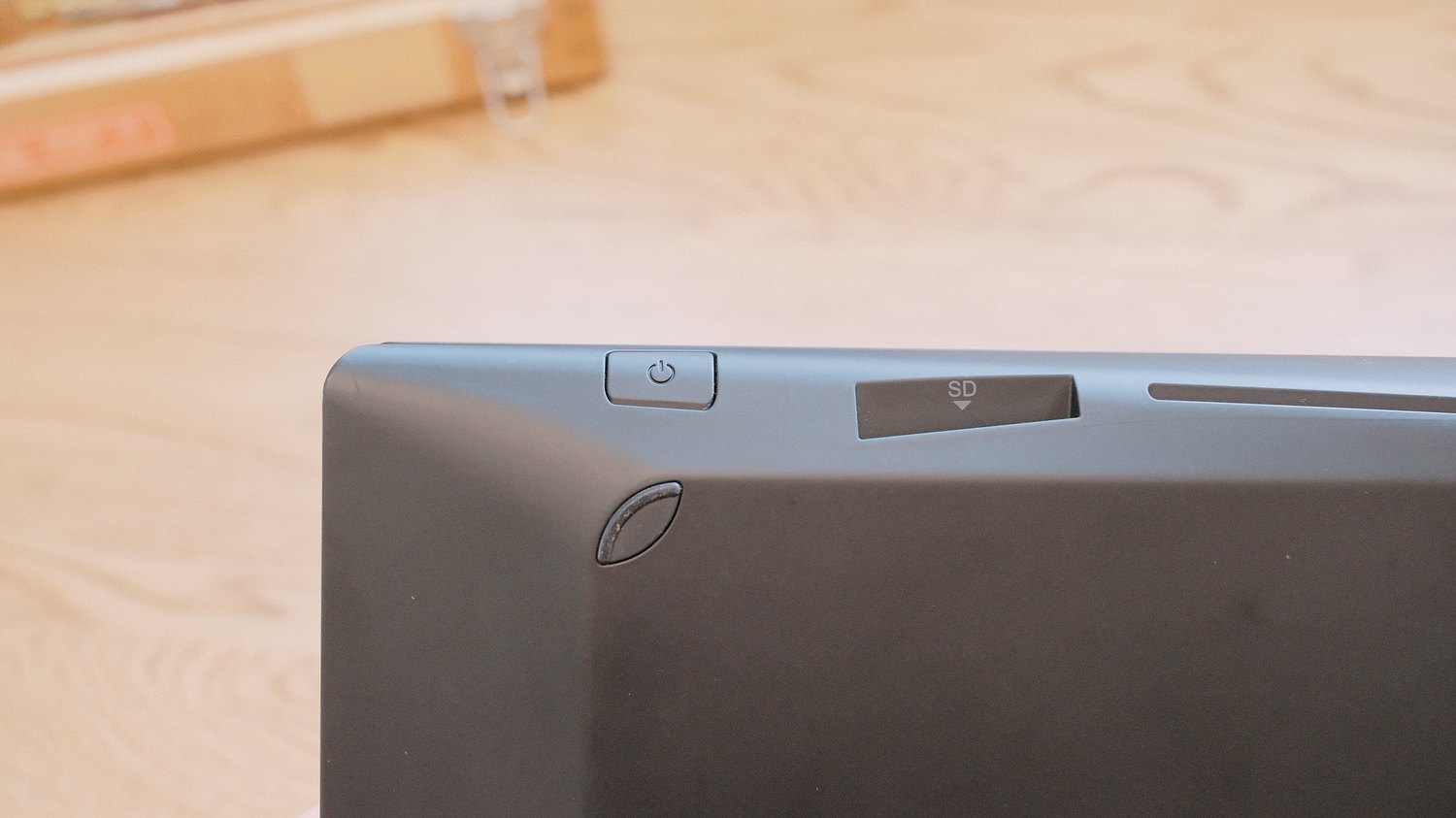
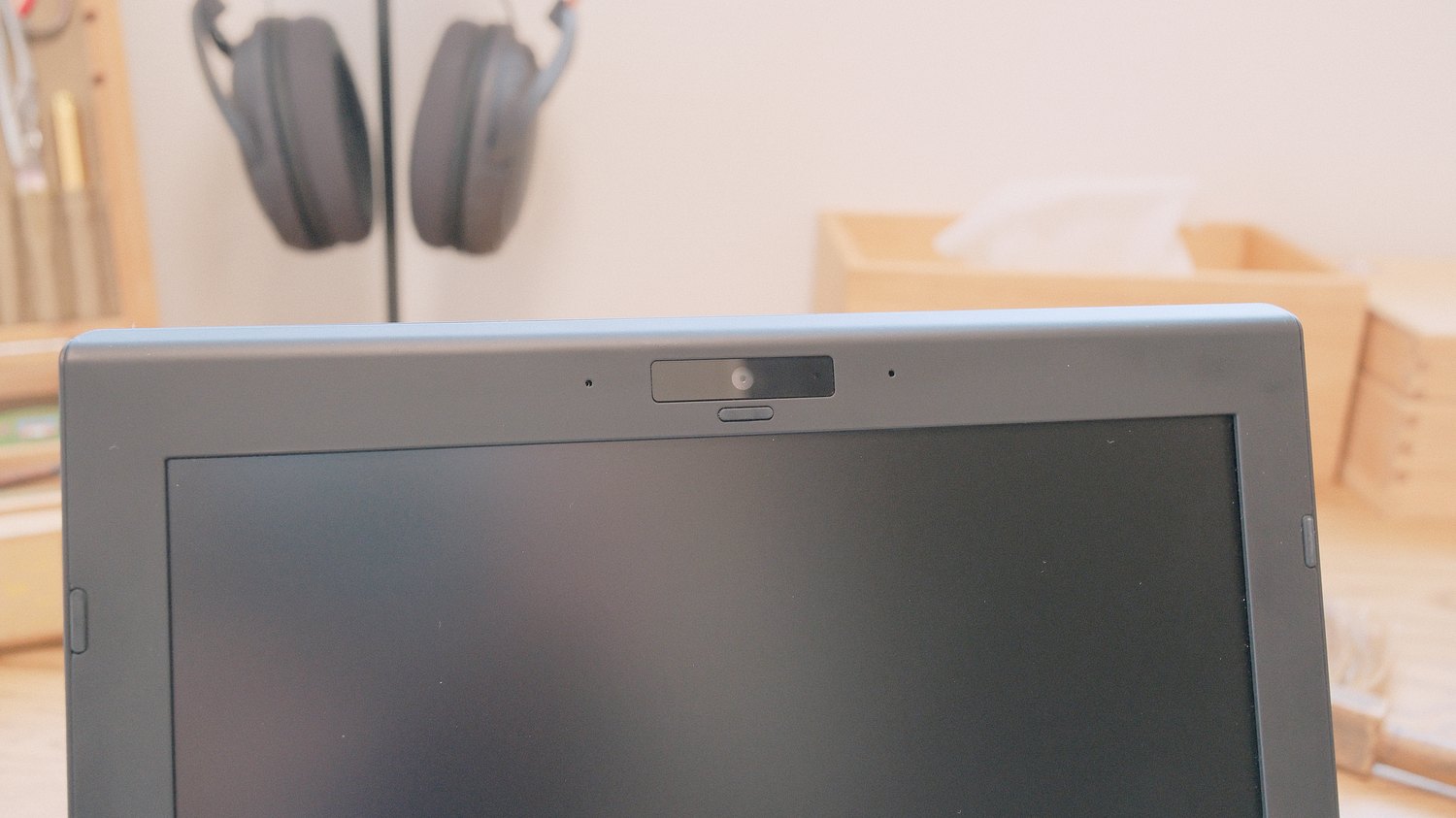
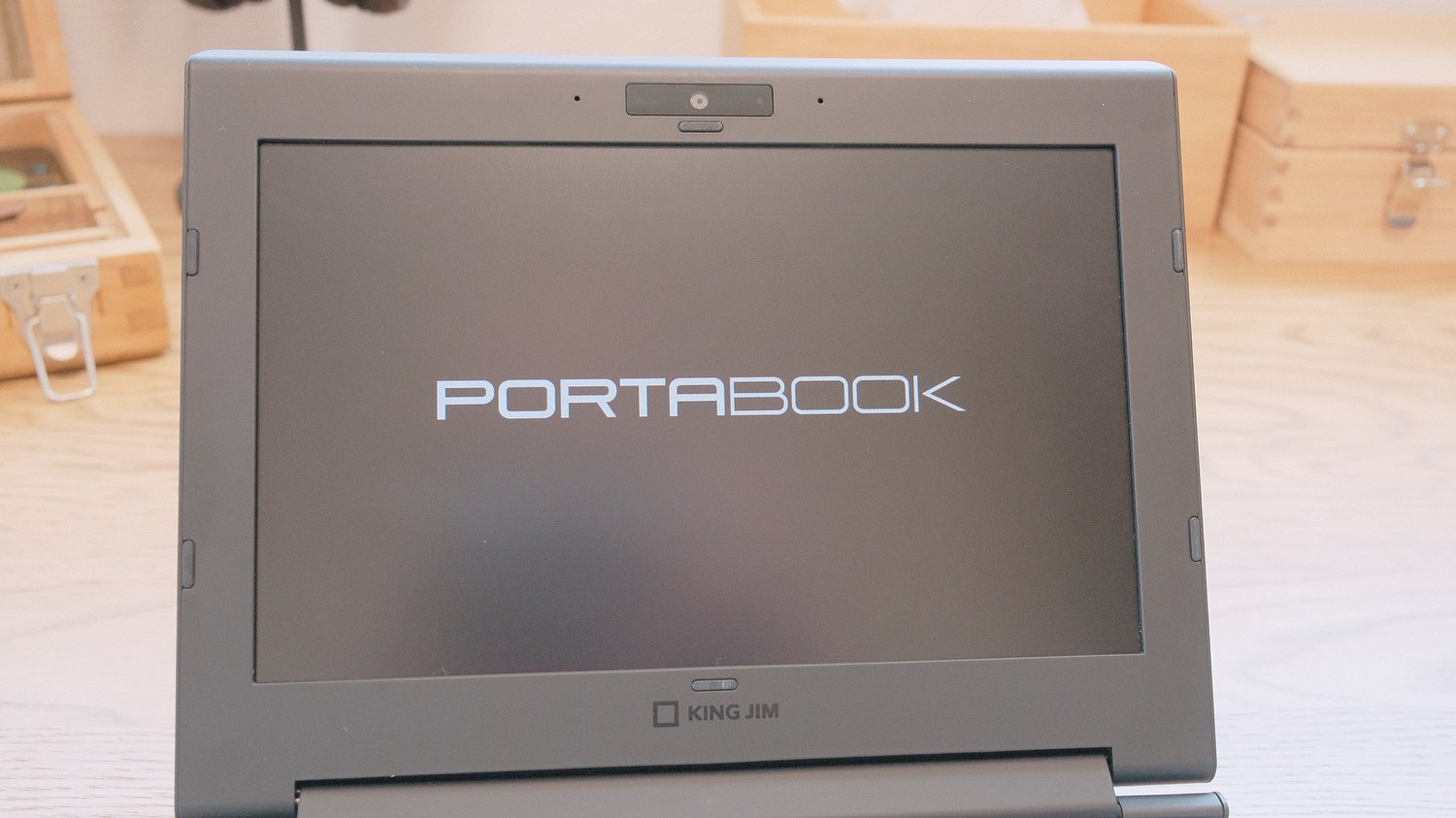
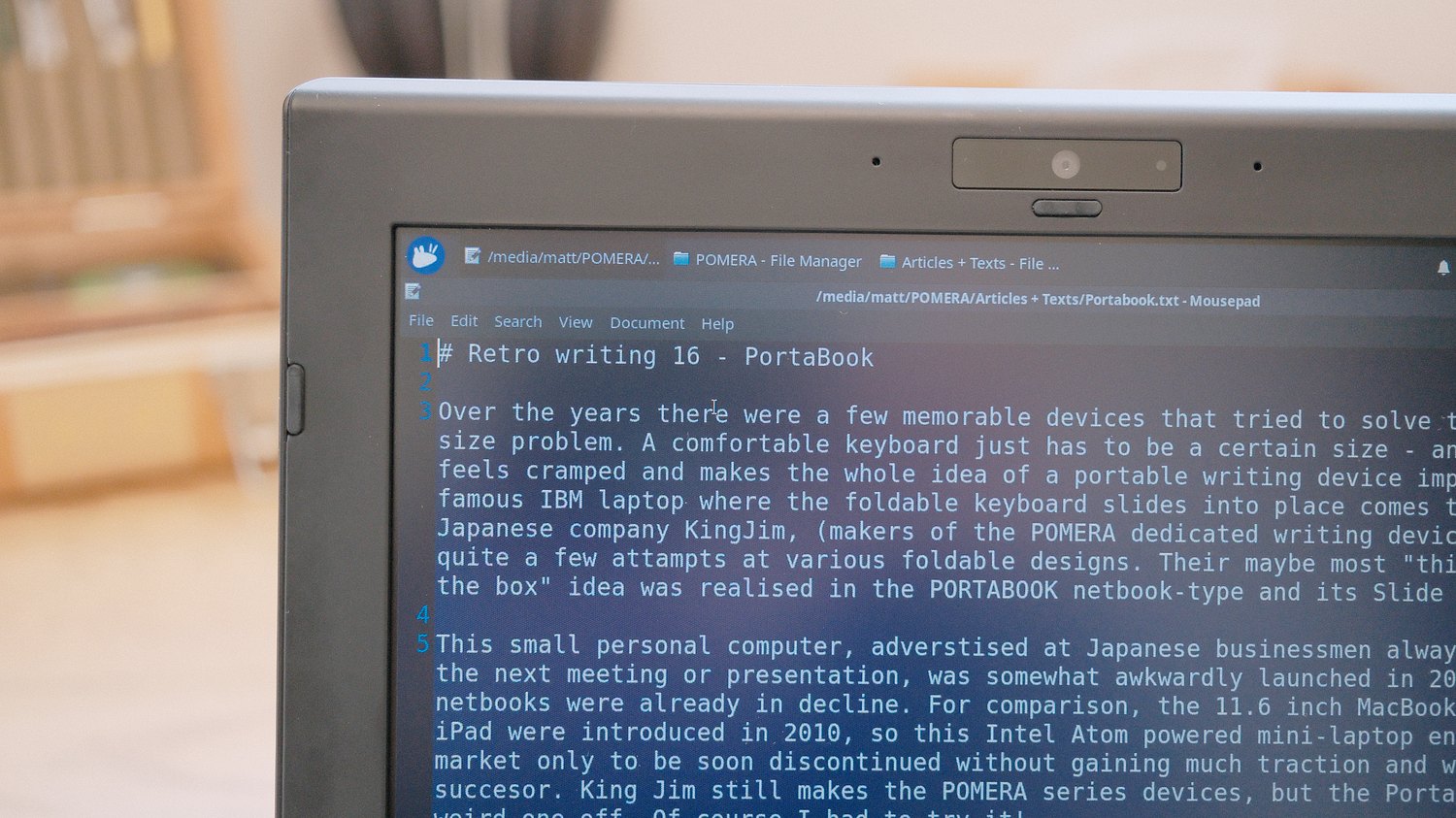
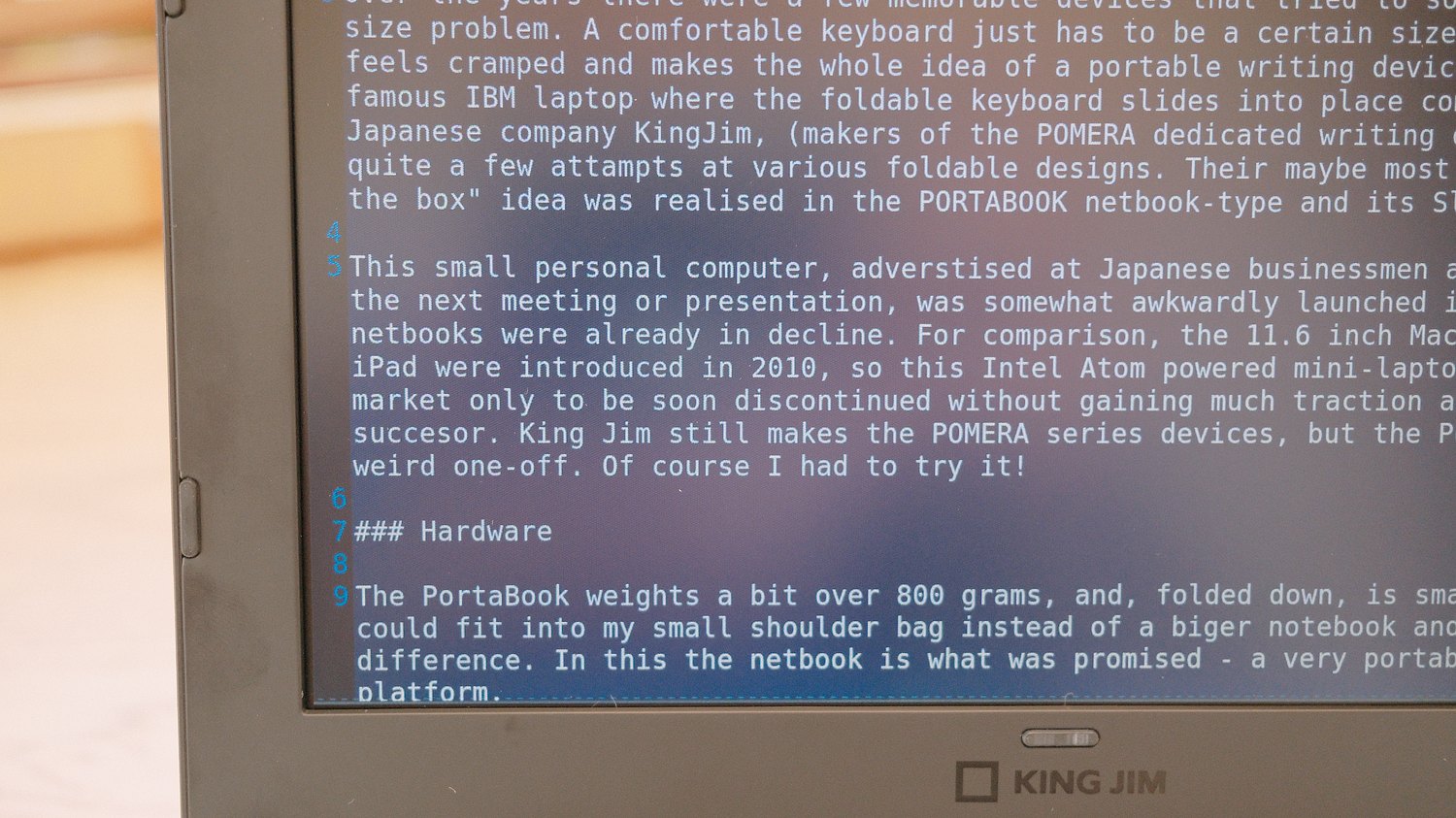
The screen is an 8-inch, TFT panel with 1280×760 dots resolution, which is plenty, but it does not get very bright, so I’m guessing writing at a sunny outdoor cafe table could be a problem. The viewing angles are quite good, and the anti-glare texture does its job (lack of it is a huge problem on the POMERA for some reason). We also get a basic microphone and webcam at the top of the LCD panel, an SD card slot on the right side (great!), and a set of ports on the back, usually hidden under a neat swiveling cover. Here is a combined headset jack (headphones and microphone), one USB 2.0 port, and video outputs (HDMI and VGA). It’s obvious that King Jim was thinking about connecting this netbook to all kinds of older office projectors.
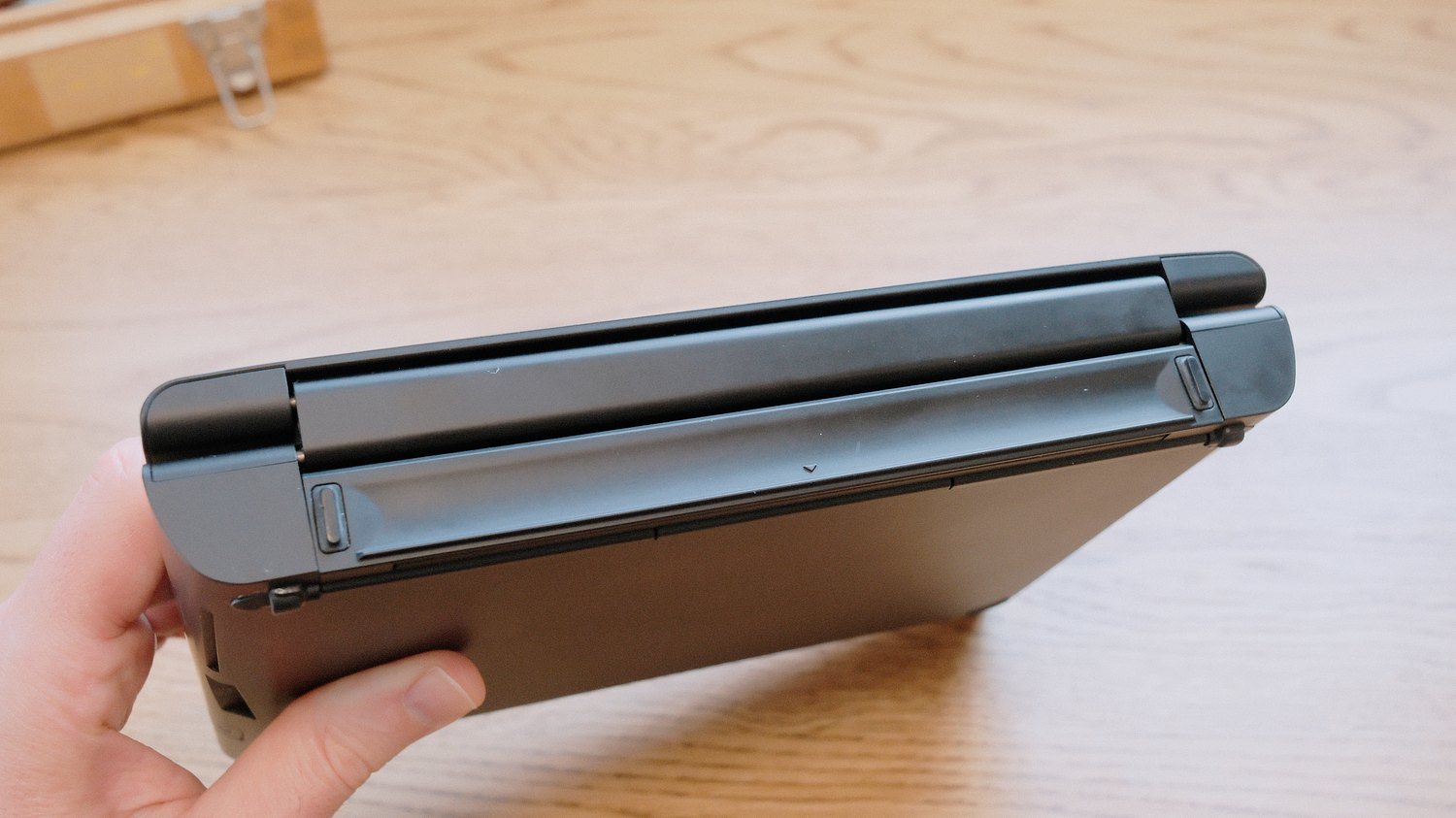
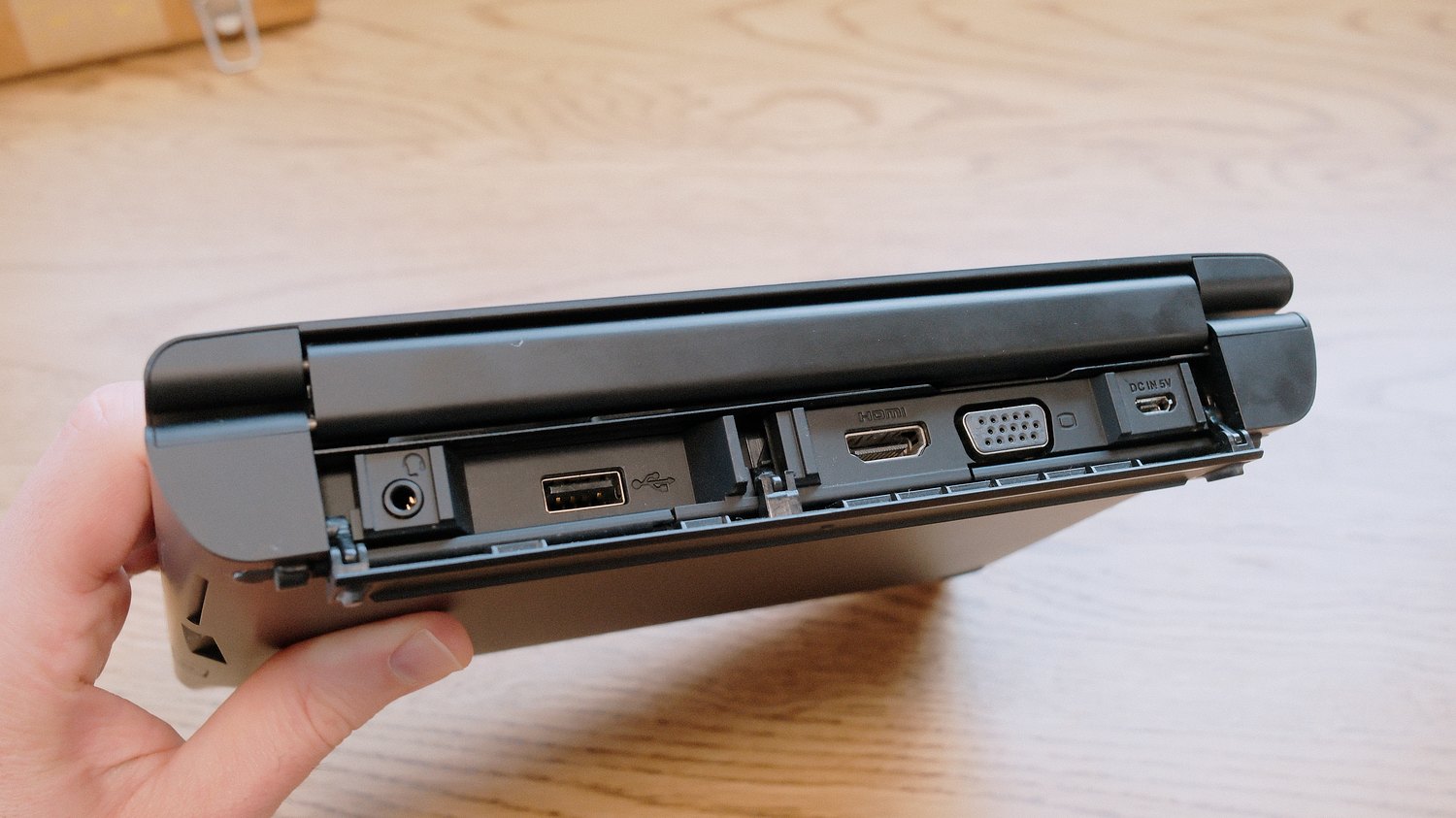
To charge the device, we can use the micro-USB port that’s also under this back cover. The battery is said to last about five hours of moderate use, but thanks to the mini-USB port, the netbook can be charged on the go, from a mobile battery.
Overall, I was positively surprised with the build quality of the unit I got. This is a ten-year-old netbook-type device, and having had all kinds of bad experiences with aging portable electronics, I braced for the worst, but in this case, the design and finish aged very gracefully. I remember seeing demo units displayed in stores when the PORTABOOK was first announced, and being impressed with the very designer-like and premium look and feel. Although made mostly from plastic, the PORTABOOK feels solid, like a modern device. The screen hinges work smoothly and hold the screen at the desired angle with no problem. The thing that visually dates the device the most is the choice of ports.
On the inside, it’s quite a different story: we have WiFi b/g/n and Bluetooth 4, 2GB of RAM, 32GB of eMMC storage (on which resides also the operating system), and powering this whole device is a meager Intel Atom x7-z8700 CPU (with integrated GPU). Let’s just say that’s not much storage or power to work with at all – even at the time this netbook was released, this was not enough at all.
The Keyboard
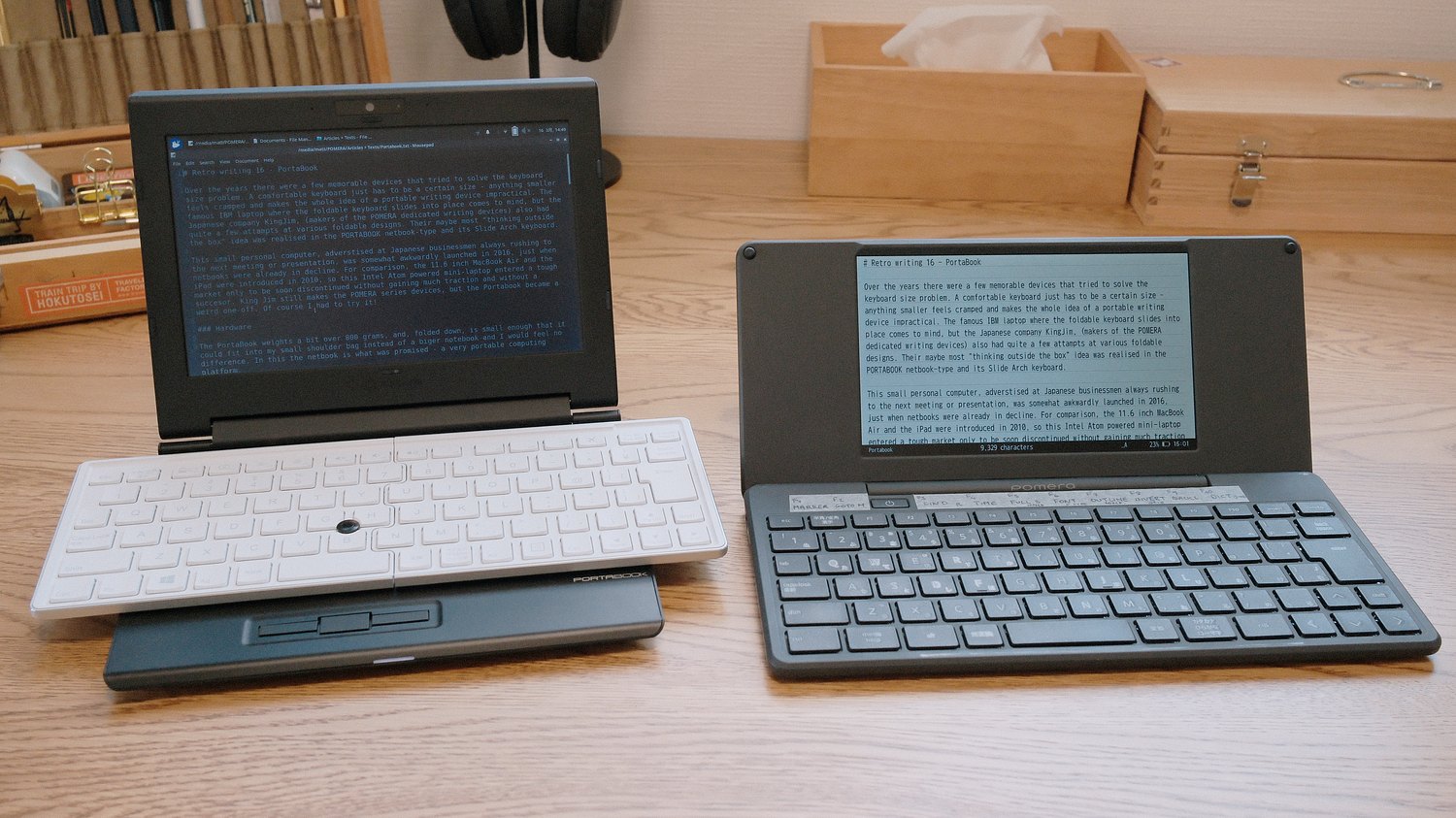
But we are not here for the spec – this is now mainly a writing gadget! The keyboard is where it’s at! King Jim called their design “Slide Arch Keyboard” because, well, the two halves do move in a sort of arc motion from the folded-in position, where the mouse buttons are covered, to a horizontal layout. This has to happen manually – you have to grab the two sides and slide them, which at first feels a bit awkward and counterintuitive. The parts move out and up in a complicated compound motion, but once the two halves gently snap together, the keyboard stays in place and becomes surprisingly spacious and comfortable.
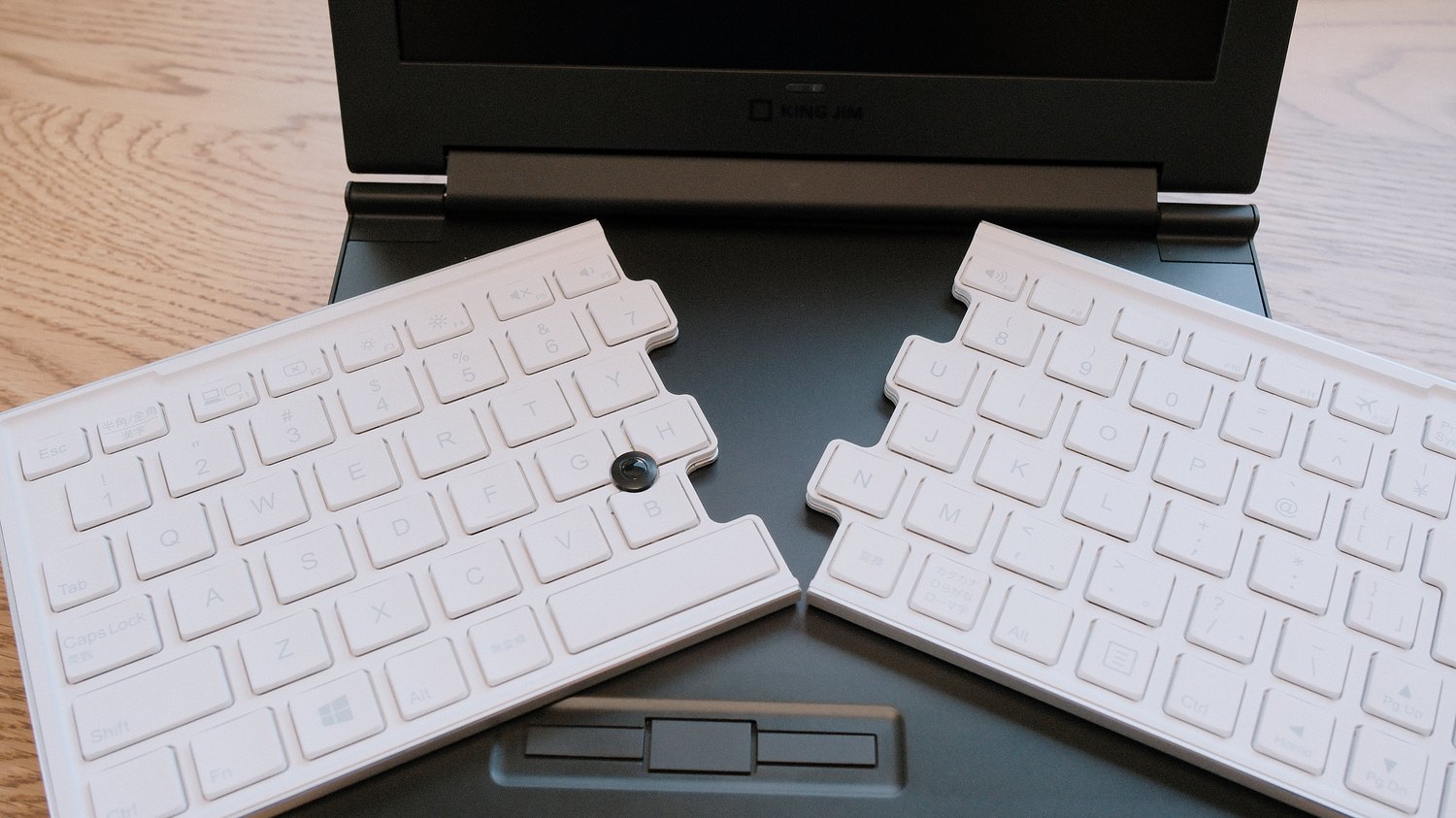
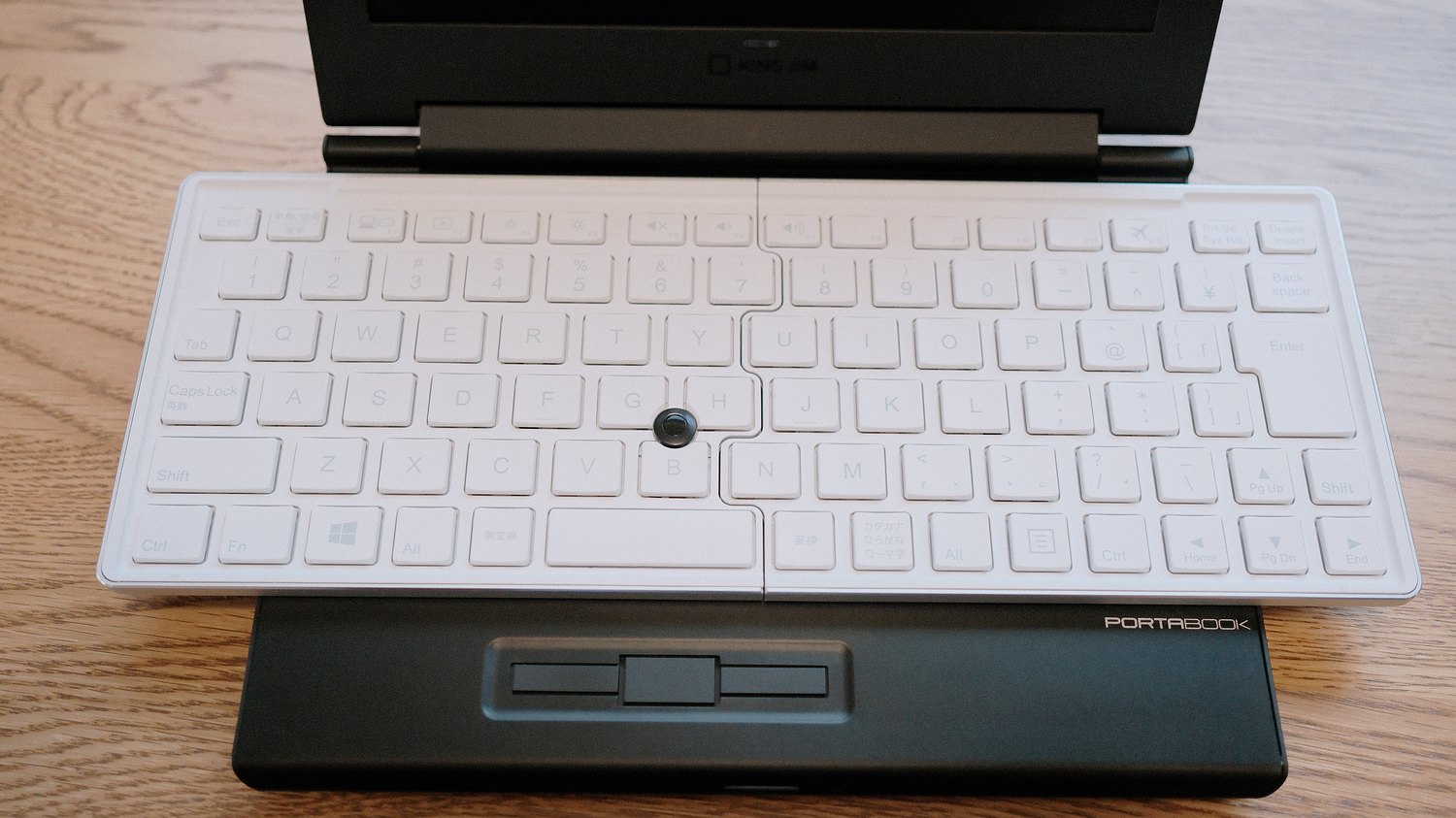
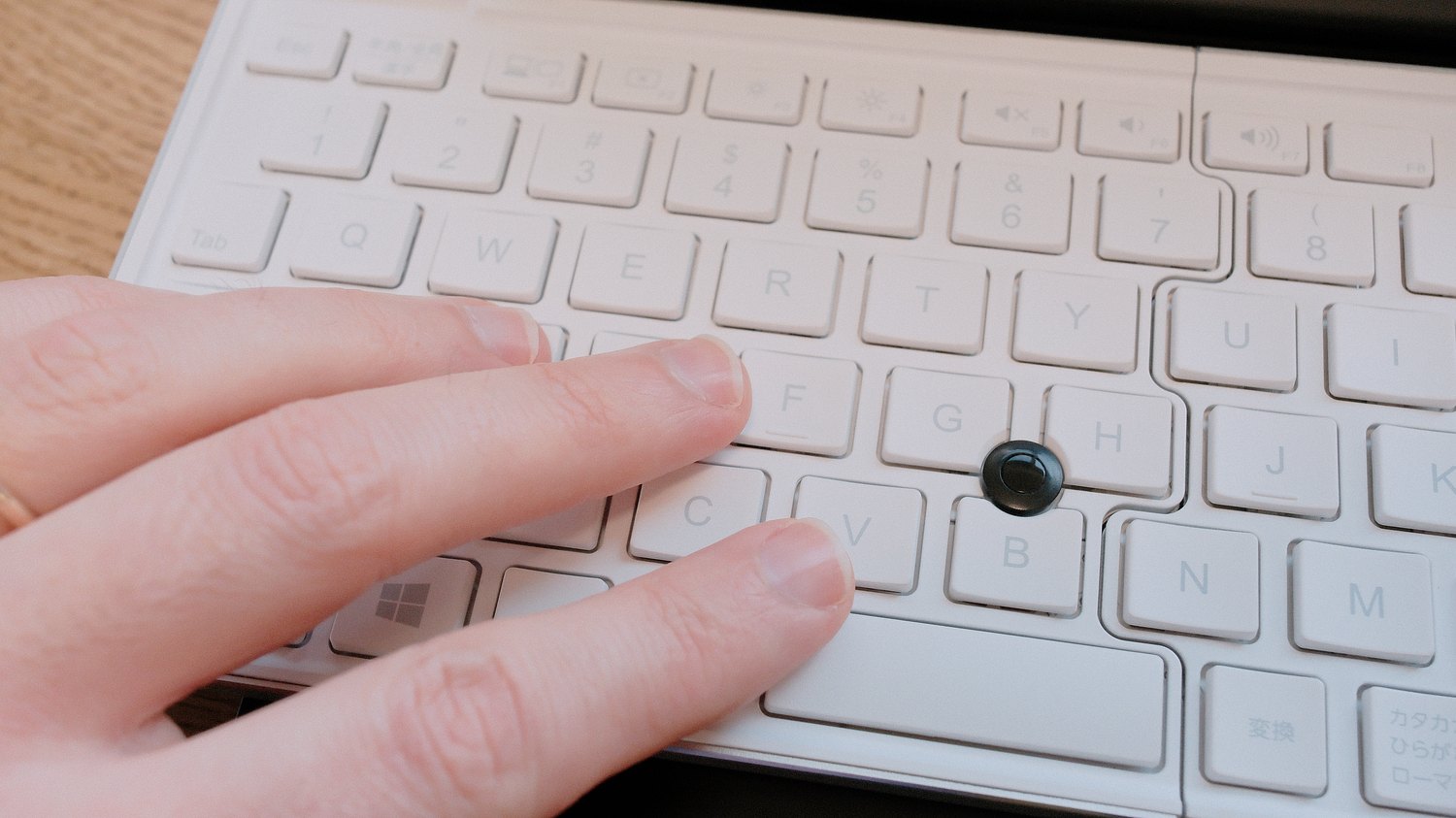
The key pitch is 18mm, and the travel is a respectable 1.5mm, so for me it feels similar to flat desktop keyboards. The keys themselves are on the smaller side, concave in shape, and require a bit more force to press than a standard laptop keyboard or the POMERA DM250.
We also have a full set of Windows function keys and some additional standard laptop controls, like screen brightness, volume, etc.
I was slightly worried that, because the base of this netbook is quite thick, my hands would be constantly hovering in midair while writing. There is no “chin” to this laptop on which to rest my wrists. But I was able to comfortably type while resting them on the desk. Anyone used to a mechanical keyboard should be OK with this height. Yes, the keyboard does feel a bit plasticky, and the keys have a stiff, rubbery feel to the action, but I would not mind writing on the PORTABOOK for longer. Like the rest of the device, the keyboard feels more solid than I expected it would. My only problem with it is that there is still a bit of looseness caused by the hinge system. Especially pressing on the arrow keys makes the right side of the Arch Keyboard wobble a bit, but maybe it’s just my unit’s fault.
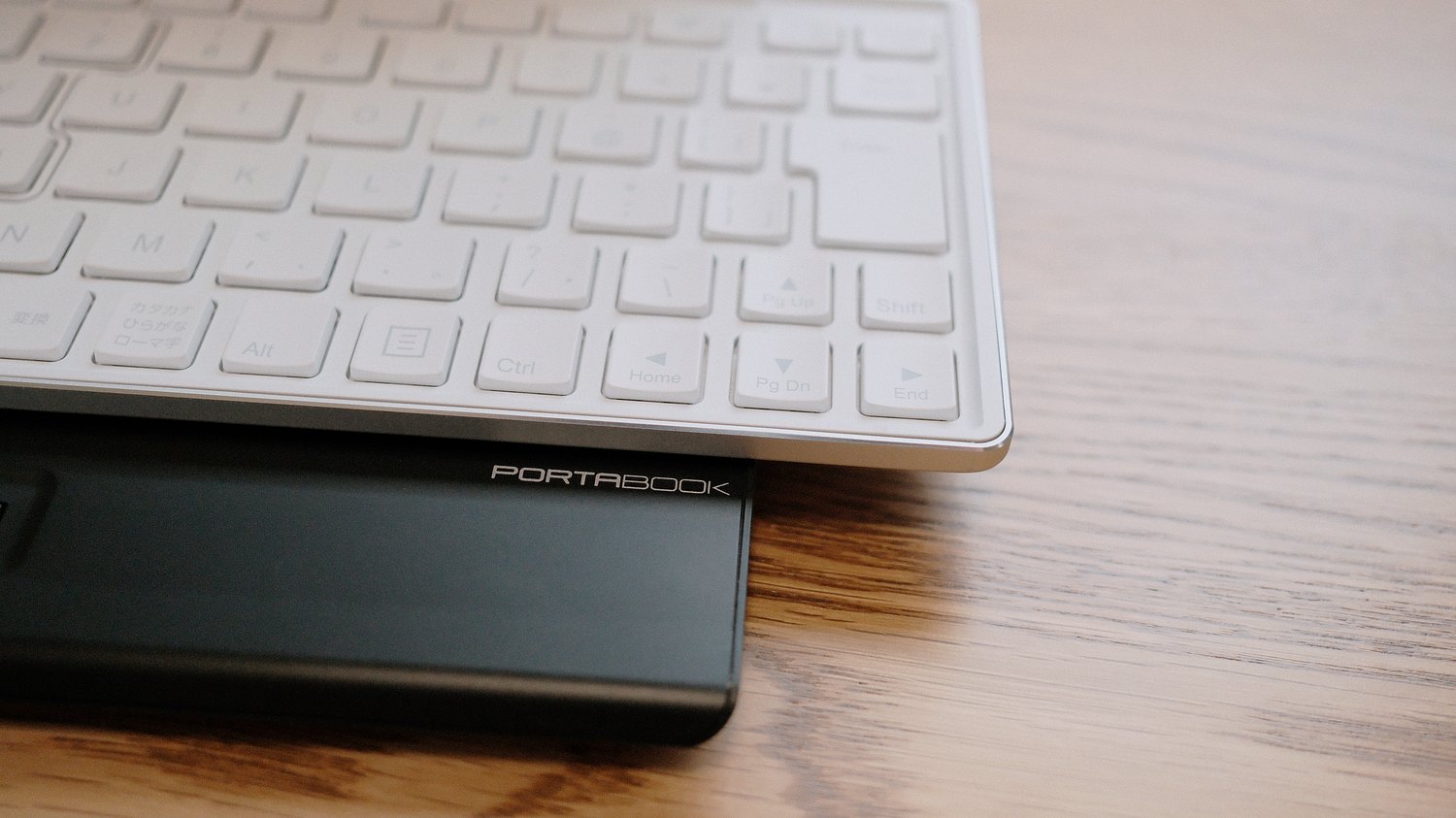
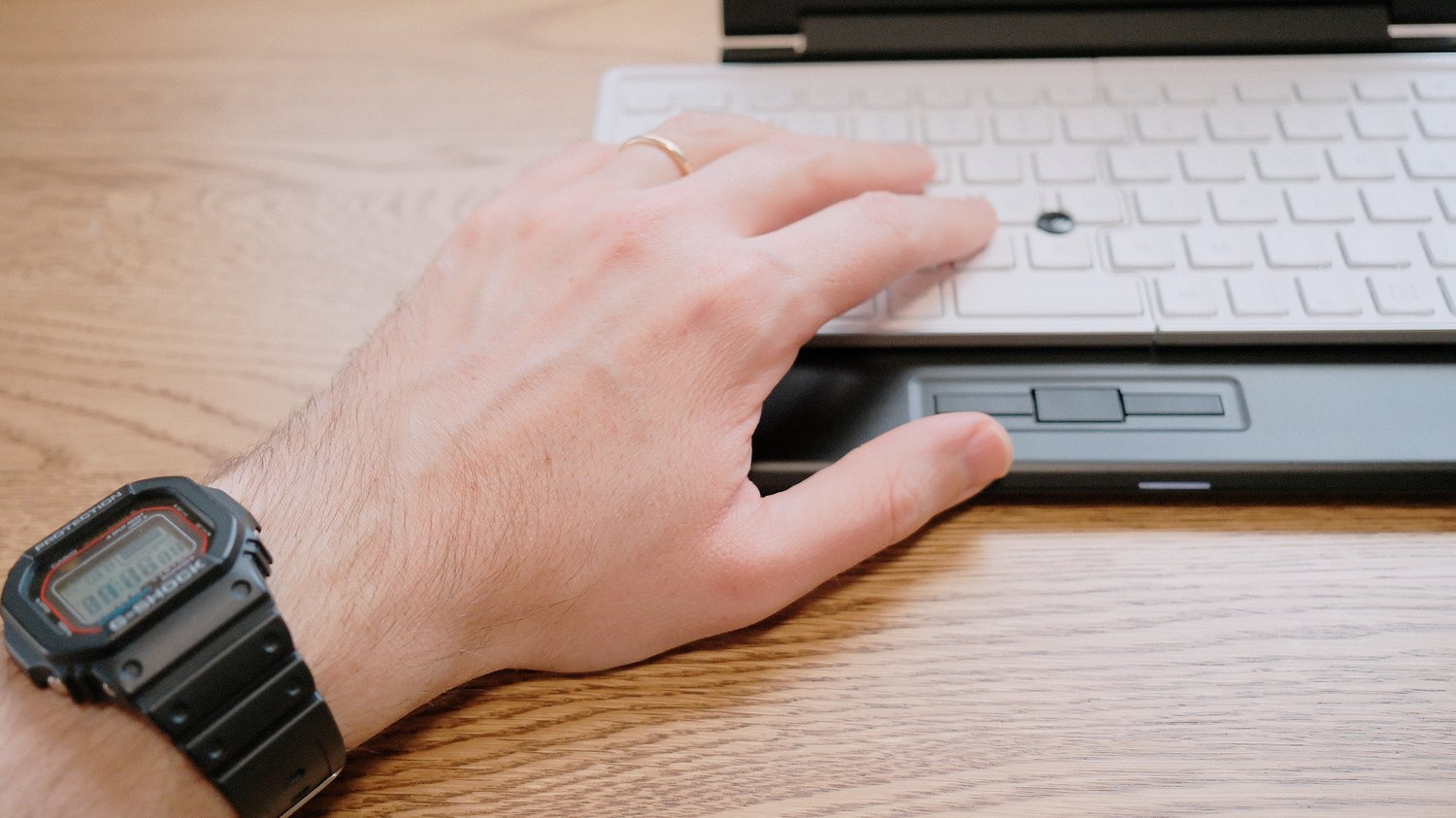
The interesting thing I discovered is that almost as soon as the keyboard is out of the fully assembled position, the keys stop responding to presses. You cannot type on it when it’s folded or at an angle to prevent accidental presses while folding or unfolding the halves. Overall, I thought that this was a bit of a missed opportunity. If the keyboard halves were to swivel the other way round and made to be used at any angle, it could have enabled ergonomic typing with straight wrists.
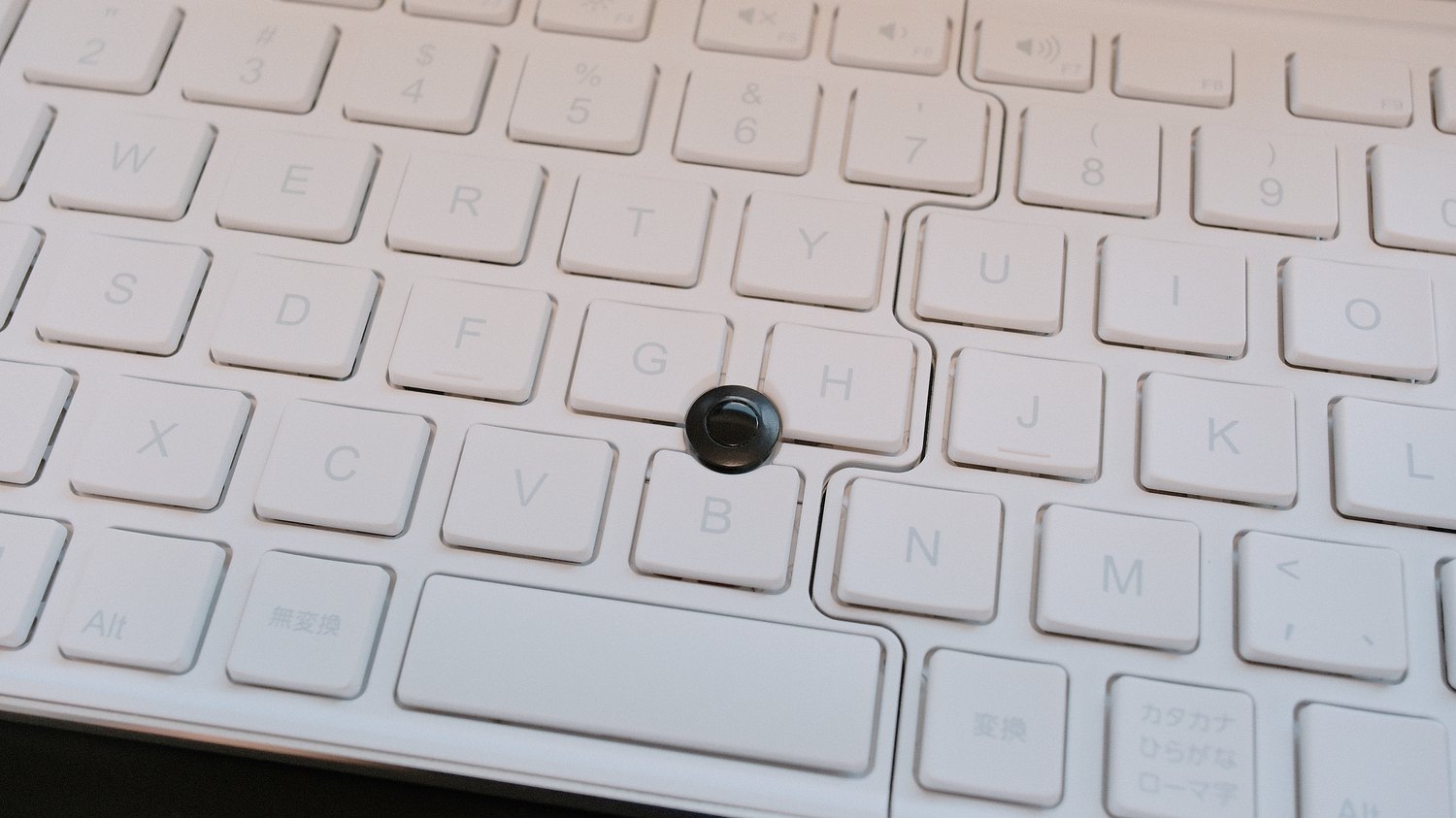
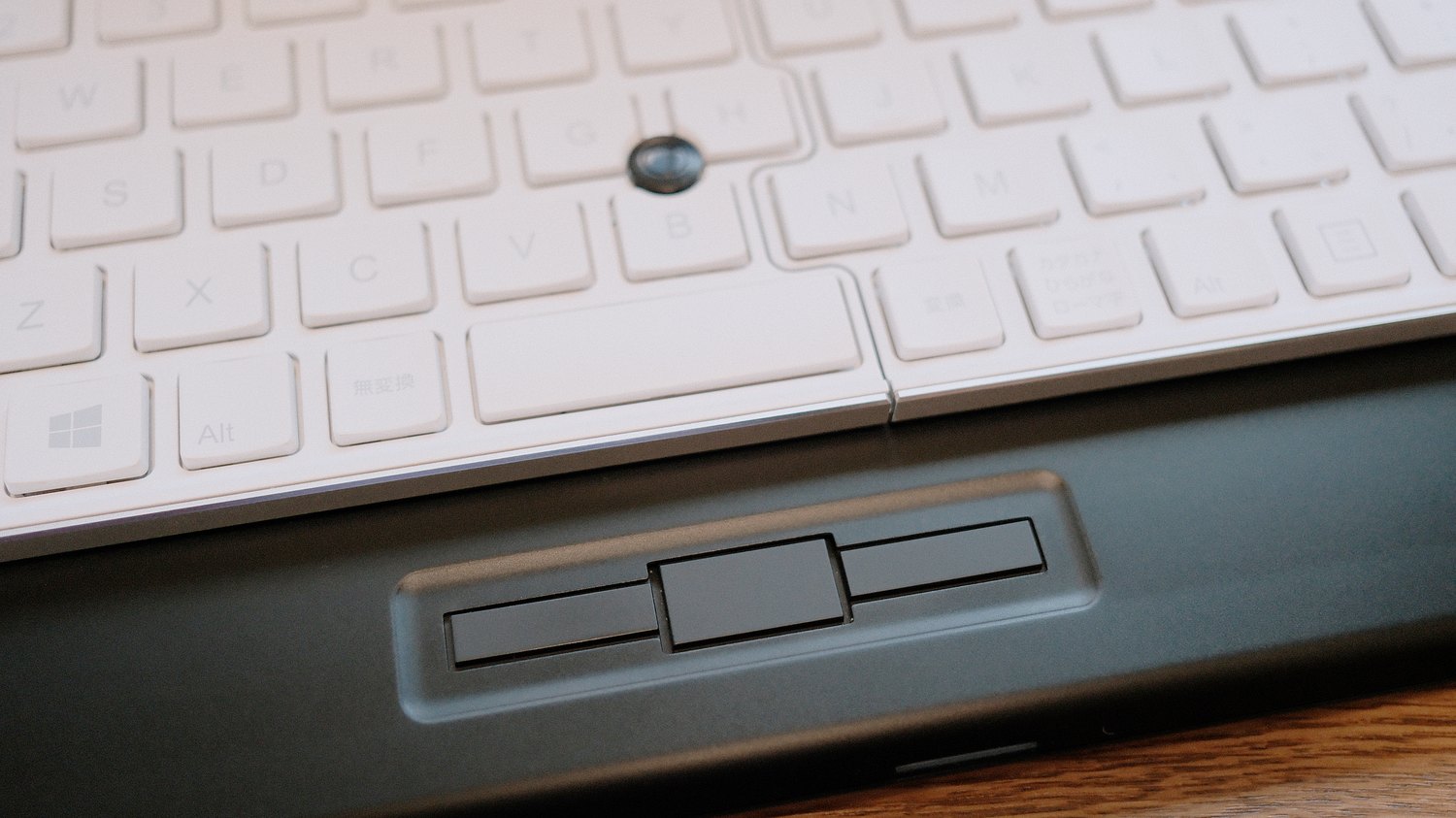
Other than the foldable mechanism, the second interesting aspect of this keyboard is the integrated mouse pointer. I was a bit surprised that this is an optical trackpoint. No moving parts or sticky rubber here. The three buttons under the keyboard are meant to be used with the thumbs. But, yes, the trackpoint does work as well as most such pointing devices – it’s jumpy and fiddly, not really a pleasure at all. Making a PowerPoint presentation using only this would be a nightmare.
Data management
The feature of both a full-size USB port and an SD card slot makes moving data and expanding the capabilities of the PORTABOOK a breeze. The netbook can boot from the USB port without any problems, and with the help of a powered USB hub, supports multiple devices as expected. The SD card slot also works without a hitch, although the inserted card does stick out from the case (unlike in the POMERA), which makes it less ideal for storing work files. It could be a better idea to expand the storage by plugging in one of these ultra-small USB flash drives and closing the back cover. Overall, I wish that more small devices (the POMERA or reMarkable, etc.) had regular USB ports with support for at least some basic peripherals.
The Software
The PORTABOOK originally shipped with Windows 10 64bit Japanese HOME edition. I tried, and failed to change the language of the OS so it might be region-locked (but I haven’t used Windows for more than twenty years, so I might be missing something). The Windows installation and using experience was as cumbersome and slow as expected, but not entirely unusable. I can imagine writing an email or editing simple text documents.
I understand King Jim’s motivation behind going for a full Windows installation – it’s just what was expected at the “office”, and any simpler, custom firmware could have cannibalized their own POMERA’s market share. Anyway, one of the reasons I bought the PORTABOOK was that this is basically an Intel Atom netbook and, at least in theory, installing Linux should be possible.
After about a week of struggle, I’m happy to report that I’m writing this text on the PORTABOOK, on Linux, but I have to specify that there are major caveats. The hardware used in this netbook, especially the GPU and the keyboard/trackpoint pair (which, I believe, is a non-standard I2C device), seems to be very period-specific. Older versions of Linux do support almost everything out-of-the box (I had most success using Xubuntu 18.04), but any newer kernel fails to detect hardware most spectacularly. I’m not a Linux wizard enough to compile drivers and custom kernels. I have seen online that full support on current releases is possible, although a blog with a guide to running the newest version of Xubuntu was thirty-seven complicated posts long, so I just gave up.
In terms of performance, the PORTABOOK is slow, yes, but in Xubuntu, it can launch LibreOffice Writer in about five seconds, and it’s plenty powerful for writing in plain text, which is what I mostly use anyway. I guess someone more versed in Linux could install something like Arch, a lightweight tiling window manager, and do work in command line based editor like Vim or Micro, no problem.
Verdict
Well, the PORTABOOK is a ten-year-old discontinued netbook, which failed due to being underpowered, so I wouldn’t recommend buying it for everyday writing. Even more so because by default it comes with the no longer supported and region-locked Windows 10. I also have no idea how long the built-in battery will last, and the LCD screen on my unit already looks a bit suspiciously washed-out near the edges. That being said, the PORTABOOK is a surprisingly solidly made, very cool concept netbook that even now looks and feels unique and modern. Despite its few quirks, it could be quite a neat retro writing device for someone better versed in Linux. Because it was made so late into the netbook era, and a lot of the units saw little real use, it might even be a better option than other retro sub-notebooks that are becoming rare, fragile, and failure-prone.
What’s most important is that the most unique feature of this device – The Slide Arch keyboard – is not only a cool gimmick, but actually a functional and usable solution. I’m glad I decided to try it out!

 Mateusz Urbanowicz
Leave a comment